From Basic to Advanced Prompt Design

Basic and advanced prompt design structures can be applied to writing, UX writing, problem-solving, or any other tasks you need help with. Poor output results equal a poor prompt.
Basic Prompt Design
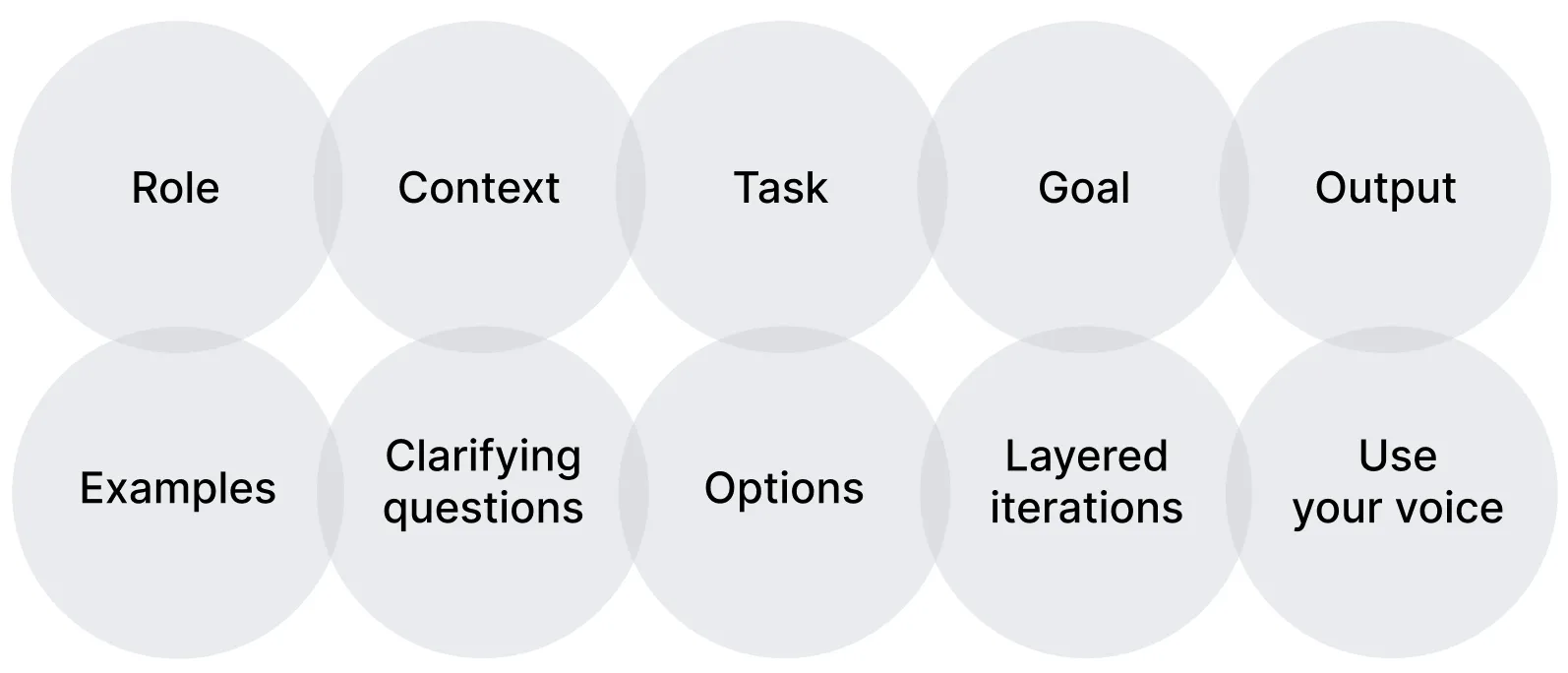
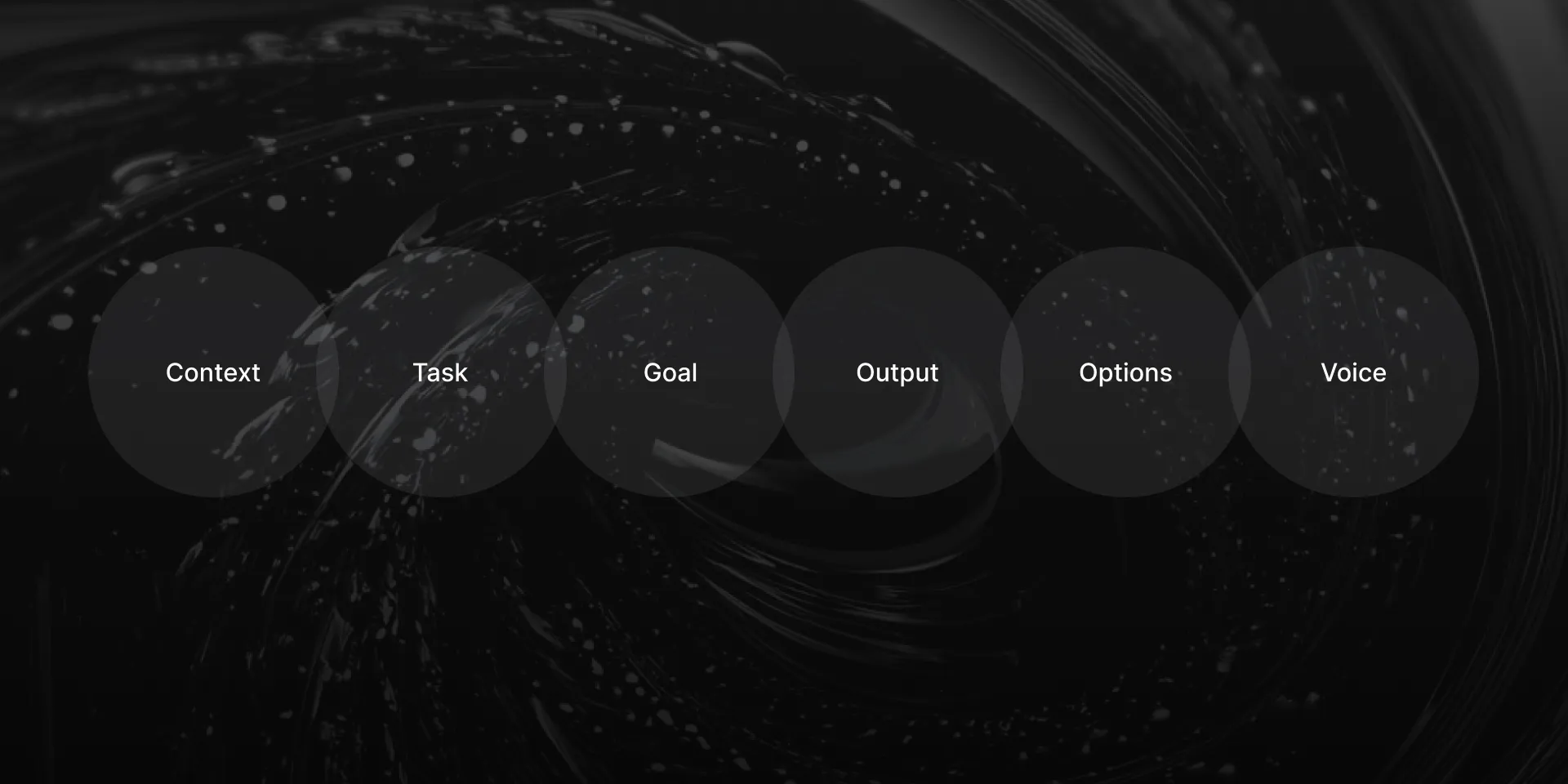
The basic prompt design structure includes: Context (1), Task (2), Goal (3), Output (4), and Options (5). I refer to it as CTGOO to help me remember.
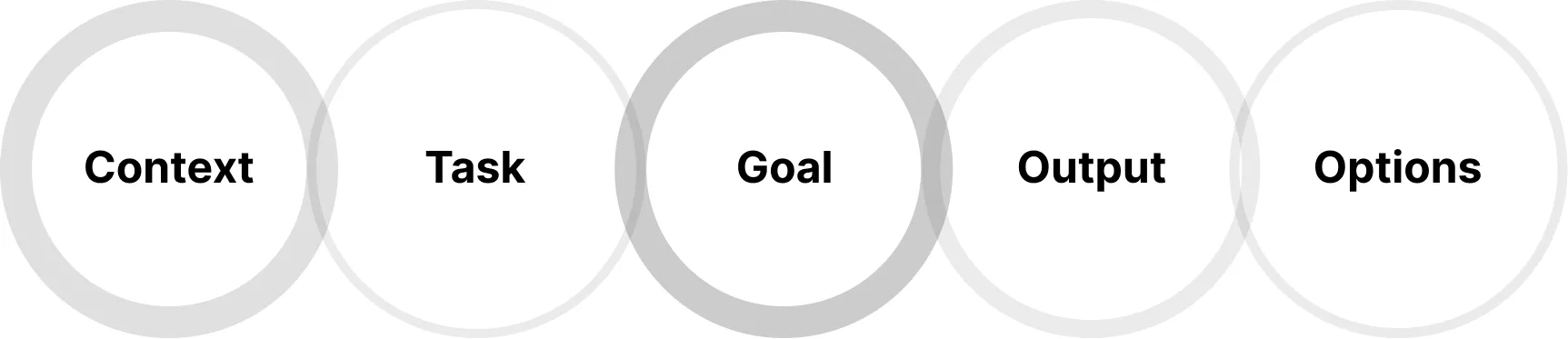
1. Context. Provide as much background information as possible. In UX or marketing writing, include details about the audience, brand voice, and any constraints. Specify the previous and next steps in the process, and note the user journey stage (for example, first-time or returning user). The more context you provide, the better the results. This may include any relevant details about your issue.
Context is one of the first and most important parts of your prompt. Naturally, different contexts will produce different results. Five distinct contexts for the same issue will generate five unique outputs.
Additional questions: What potential pitfalls should be considered? What is the bigger picture?
You may write any text for your ready-made structure or wireframe as well. If you already have a wireframe, you can upload it as an image and describe its layout as part of the context. This helps the AI create text aligned with your specific design. If you cannot share the image, describe the structure in text instead, as that is also part of the context.
2. Task. Clearly state what you need. Describe exactly what should be written or specify the action you want the AI to take (for example, edit, brainstorm, or analyze).
3. Goal. Define how the success of your output can be measured. What is the purpose of the text or output? Describe the goal you want it to achieve and how you will evaluate success. Identify criteria or metrics to determine whether the output is effective.
Key question: What do you want to achieve in the end? Can you make a clear statement about that?
4. Output Requirements. Specify the exact format. Clarify what the final output should include, such as its format, length, style, tone, and any other requirements or limitations.
5. Options. Request multiple variations. Ask for three to ten options. I often request three to five and then combine the best elements through editing.
The final element of basic prompt design is the use of your voice.

6. Use Your Voice to Make It Quicker.
There are two different types of interaction through voice.
The first one is called the Advanced Voice Interface in ChatGPT, or it may have similar names in Gemini, Grok, and other models. This is when you interact with the AI in real time, without needing to write down or copy and paste the output immediately. I use the Advanced Voice Interface while walking, in museums, or in any other situations where I prefer to speak rather than type. However, this isn’t the main focus of prompt design, because long spoken messages might not be fully transcribed by the Advanced Voicer Interface.
The second type of voice interaction is the speech-to-text or voice transcription function on your keyboard. I use this way more often than the Advanced Voice Interface. Speaking your thoughts can often be faster than typing. Spend a few minutes verbally describing what you need, let the device transcribe it, and then send it to the AI. The output will still be delivered as text, and you can immediately use it however you like.
I often assign tasks to AI using my voice, especially in agent mode, deep research, or when sending general messages. For me, it now feels the same as asking a human or an AI assistant for help. I brief both in the same way. We are undergoing a transformational shift toward voice interfaces. Why use a website if speaking can solve the problem faster?
I use basic prompt design with voice quite often, almost every day.
When I need a problem solved, my request usually follows the CTGOO prompt structure, and sometimes I brief the AI with a few voice messages if the initial one is too long.
Our brains need to adapt to this new way of problem-solving. We should develop the habit of asking AI for help first, not carelessly, but as an initial test. We are used to working and solving problems in certain ways, but now we need to adjust our approach for faster and more efficient AI interaction. It’s like practice, like designing or writing, but in this case, it’s AI-ing.
Basic Prompt Example 1: Indonesian Classifieds UX Pain Research
Context: We are working on a classifieds platform project for the Indonesian market. Before starting the design, we need to understand real user pains and problems that currently exist on similar Indonesian websites. The focus is on identifying what does not work well for users and what frustrates them across leading platforms. The goal is to discover key pain points on two core page types: the homepage or main catalog page, and the product detail page. This will help us design a better and more localized experience.
Task: Research existing Indonesian classifieds platforms and identify the most critical user pains for both the homepage or catalog and the product detail page. Consider aspects such as navigation, search and filters, content hierarchy, listing clarity, photos and media, contact and chat flows (including WhatsApp), payment and delivery trust, verification, safety cues, localization, accessibility, and overall performance.
Goal: Provide a clear, prioritized list of pains that will help guide future design and UX decisions. Prioritize based on impact on user trust, conversion, and relevance for Indonesian users. Include short explanations and practical recommendations for improvement.
Output: Return three sections only. Section 1: Homepage. Section 2: Catalog or listing. Section 3: Product Detail. Each section should list exactly fifteen pain points, arranged in order of priority from most to least important. For every pain, include one sentence describing the issue, why it matters in the Indonesian market, and one actionable design recommendation.
Options: Provide two different sets of results based on different assumptions. The first set should reflect a general user perspective (casual buyers and sellers). The second set should reflect a professional user perspective (frequent sellers and business users).
Basic Prompt Example 2: Interface Window for a Digital Product, Mobile Banking App Error Message
[Context] I am writing for a mobile banking app used by millennials and Gen Z (ages 22–40) in urban areas. The brand is modern, trustworthy, and slightly casual. This error appears when users try to transfer money but do not have enough funds. Users are likely feeling frustrated or embarrassed. The goal is to maintain trust while being helpful. Customer support data shows that 30% of users who see this error contact support unnecessarily.
[Task] Write an error message for a money transfer attempt that fails due to insufficient funds.
[Goal] Reduce support tickets related to insufficient funds errors by 50% while keeping user satisfaction scores above 4.2 out of 5. The message should guide users toward productive next steps without causing embarrassment or frustration.
[Output Requirements]
Error headline (maximum 6 words).
Explanation text (maximum 30 words).
Two suggested actions with microcopy (maximum 12 words each).
Tone: empathetic, helpful, and non-judgmental.
Do not use the words “failed,” “denied,” or “insufficient.”
[Options] Provide three different versions of this error message.
Basic Prompt Example 3: Naming for a Fintech Company, B2B Payment Processing Startup
[Context] We are creating a payment processing solution for small and medium e‑commerce businesses. Our key differentiator is transparent pricing with no hidden fees, competing with Stripe and Square. Our target customers are business owners who have been frustrated by confusing fee structures. We aim to position ourselves as the honest and straightforward alternative. The company will be headquartered in Austin, Texas, and will initially focus on the North American market.
[Task] Create names for our transparent payment processing platform.
[Goal] Create a name that communicates trustworthiness and transparency, supports our goal of reaching 20 percent market penetration in the target segment within 12 months, and becomes associated with fair pricing in payment processing. Success will be measured through brand association surveys and reduced customer acquisition costs.
[Output Requirements]
Name length: 6 to 10 characters preferred.
It must convey trust and transparency, work well with “Pay” or “Payments” if needed, and avoid negative connotations in major languages. It should have strong potential for logo design. Include a positioning statement for each name (maximum 25 words).
[Options] Provide ten different name options with positioning statements.
Advanced Prompt Design
The advanced prompt design structure includes: Roles (7), Including Examples (8), Asking Clarifying Questions (9), and Layered Iterations (10).
7. Roles. Sometimes you might need the AI to generate output from the perspective of Steve Jobs, Aristotle, Hemingway, or a designer with 100 years of experience. Treat it as an experiment to explore different viewpoints.
8. Include Examples. If possible, provide examples of the text style or format you are aiming for. Examples help the AI better match tone, structure, or clarity.
Add an image that shows the structure of your text, or any other image that might serve as an example of what you want to create.
9. Ask the AI to Ask Clarifying Questions. After writing your prompt, add a note such as: “Ask me ten clarifying questions before providing the output, one at a time, to make the text shorter, clearer, and higher in quality.”
The very first big understanding step in prompt design is context. Context matters fundamentally. But the other very strong framework to work with in prompt structure is clarifying questions. You might test your biggest struggling issue with basic prompt design plus clarifying questions for one time only. After that, you will be surprised.
10. Layered Iterations Method. Using the basic prompt design structure, ask the AI to provide three options. Choose the best one and ask the AI to improve and expand on it by generating three more refined options. This process of selecting and deepening can be repeated indefinitely.
It helps to craft sophisticated results and it might be used throughout the Advanced Voice Interface. It is the most perfect method for brainstorming.
Use Multiple AI Tools. Which AI should you use: ChatGPT, Claude, Perplexity, or Gemini? There is no single right answer. I use ChatGPT as my main AI, Claude for specific tasks, and Perplexity for text refinement. I also experiment with Gemini, Grok, and DeepSeek. Trying multiple tools helps you understand their unique strengths and build a broader toolkit. Exploration is the key to discovering new capabilities.
If you are not satisfied with the result, train the AI to align better with your expectations. Ask it to remember your preferences. Continuous training helps avoid frustration and improves output accuracy. Of course, not every experiment succeeds, and I have had many failed AI training attempts.
It is important to keep in mind all ten points, especially when working quickly to solve a problem.