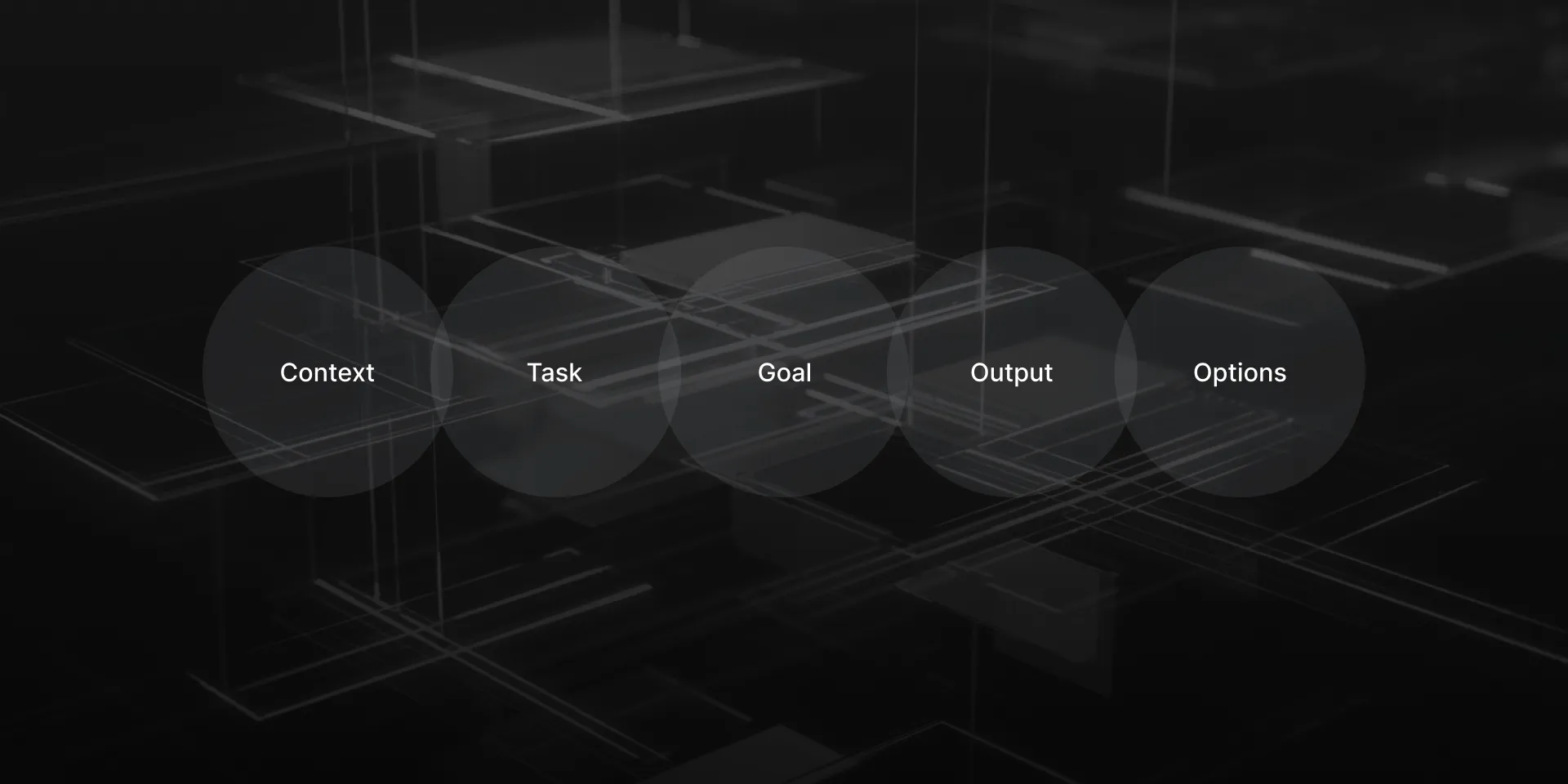
AI Writing Prompt Structure (CTGOO)

The CTGOO Writing Prompt Structure Framework can be applied to any text content writing, including UX Writing, copywriting, or other types of writing, such as a book.
AI can now write high-quality texts; this wasn’t the case a couple of years ago. For tasks of all types and levels, companies can now utilize AI to create, for example, concise interface texts, company names, or landing page copy. It is hard to find a field or a specific task where AI cannot produce a successful text.
The following 12 key points will help you craft effective AI writing prompts.
AI Writing Prompt Structure: Context (1), Task (2), Goal (3), Output (4), Options (5) — CTGOO.
To get the best possible text from an AI, you should use the Writing Prompt Structure Framework, which includes all five of these elements.
1. Context – Provide as much background as possible. Include relevant background information, details about the audience, brand voice, and any constraints. Specify the step before and the next step in the process, and note the user journey stage (e.g., first-time vs. returning user). The more context you provide, the better the results.
2. Task – State clearly what you need. Describe exactly what needs to be written, or specify the action you want the AI to take (e.g., edit, brainstorm, analyze).
3. Goal – Define how success will be measured. What is the purpose of the text? Describe the goal you want it to achieve and how you will evaluate success. Identify criteria or metrics to determine whether the output is effective.
4. Output Requirements – Specify the exact format. Clarify what the final output should be, including format, length, style, tone, or any other requirements.
5. Options – Request multiple variations. Ask for 3–10 variations. I often request 3–5 options, then combine the best elements through my edits.
Now let’s look at three different examples of usage.
Prompt Example 1: Interface Window for a Digital Product, Mobile Banking App Error Message
[Context] I’m writing for a mobile banking app used by millennials and Gen Z (ages 22–40) in urban areas. Our brand is modern, trustworthy, and slightly casual. This error appears when users try to transfer money, but their account has insufficient funds. Users are likely feeling frustrated and potentially embarrassed. We need to maintain trust while being helpful. Our customer support data shows that 30% of users who see this error contact support unnecessarily.

[Task] Write an error message for an insufficient funds scenario during a money transfer attempt.

[Goal] Reduce support tickets related to insufficient funds errors by 40% while maintaining user satisfaction scores above 4.2/5. The message should guide users toward productive next steps without causing embarrassment or frustration.

[Output Requirements] Error headline (max 6 words), Explanation text (max 30 words). 2 suggested actions with microcopy (max 12 words each). Tone: empathetic, helpful, non-judgmental. Must not use: “failed,” “denied,” or “insufficient”.

[Options] Please provide 3 different versions of this error message.
Prompt Example 2: Naming for a Fintech Company, B2B Payment Processing Startup
[Context] We’re creating a payment processing solution for small-to-medium e‑commerce businesses (annual revenue $1M–$50M). Our key differentiator is transparent pricing with no hidden fees, competing against Stripe and Square. Our target customers are business owners who have been burned by complex fee structures. We aim to position ourselves as the honest, straightforward alternative. The company will be headquartered in Austin, Texas, and we’re initially targeting the North American market.

[Task] Develop company names for our transparent payment processing platform.

[Goal] Create a name that immediately conveys trustworthiness and transparency, helps us achieve 15% market penetration in our target segment within 24 months, and becomes synonymous with “fair pricing” in payment processing. Success will be measured by brand association surveys and customer acquisition cost reduction.

[Output Requirements]
6–10 characters preferred. Must convey trust and transparency. Should work well with “Pay” or “Payments” if needed. Avoid negative connotations in major languages. Strong potential for logo design. Include a positioning statement for each (max 25 words)

[Options] Please provide 10 different name options with positioning statements.
Prompt Example 3: Product Launch Email Campaign, Mobile App Feature for a Consumer Fitness Platform
[Context] I’m the growth marketing lead for a consumer fitness app with 1,000 active users, primarily ages 25–40, who are fitness enthusiasts and casual athletes. We’re launching a social challenge feature that lets users compete with friends and join community challenges. Our brand personality is motivational, inclusive, and fun — we celebrate all fitness levels. Our current users are highly engaged (average 4.2 sessions per week), but we want to increase retention and viral growth through social features. Competitor analysis shows social features can increase retention by 35% and drive 20% of new user acquisition through sharing. This launch coincides with New Year fitness resolution season. Our App Store rating averages 4.6/5, and users frequently request more social and competitive options.

[Task] Write a product launch email introducing the social challenges feature to existing app users.

[Goal] Drive 40% of active users to try the social features within 30 days, increase weekly active users by 25%, and generate 15% growth in organic app downloads through social sharing. Improve 90-day retention rate from 45% to 55%. Success metrics include feature adoption rates, social sharing volume, app store ranking improvement, and referral-driven downloads.

[Output Requirements]
Subject line options (3 variations, energetic and social-focused)
Preheader text highlighting community aspect
Email body: 180–250 words
   Motivational opening (40–60 words) connecting to user goals
   Feature explanation with social benefits (70–90 words)
   Examples of challenges or success stories (40–50 words)
   Strong CTA to join first challenge (max 5 words)
   App download/update reminder if needed (20–30 words)
Tone: energetic, inclusive, community‑focused, motivational
Include a FOMO element around limited‑time launch challenges

[Options] Please provide 3 complete email variations targeting different motivational triggers.
Other potential examples could include: Pricing Page Copy for a SaaS Platform, Job Posting for a Senior Software Engineer, App Store Description for a Mobile App, Onboarding Email Sequence, API Documentation Introduction, Investor Pitch Deck Executive Summary, Customer Support Chatbot Scripts.
Briefing by Voice (6), Including Examples (7), providing an Image of Your Structure (8), and Asking Clarifying Questions (9) might help you a lot.
6. Use Your Voice to Make It Quicker. You don’t need an advanced voice interface like ChatGPT’s to do this. Simply use your device’s standard voice‑to‑text function. Sometimes it’s more efficient to spend two minutes verbally describing all the details of what you need, have it transcribed into text, and then send it to the AI. The output will still be delivered as text.
7. Include Examples. If possible, provide examples of the text style or format you’re aiming for. Examples help the AI better match tone, structure, and clarity.
8. Write Text for Your Ready-Made Structure or Wireframe. If you already have a wireframe, you can upload it as an image and describe its structure as part of the context. This will allow the AI to create text that fits your exact design. If you can’t share the image, describe the structure in text instead.
9. Ask the AI to Ask Clarifying Questions. After writing your prompt, you can add: “Ask me 10 clarifying questions before providing the output — one at a time — to make the text better, more readable, shorter, and of higher quality.”
Use Iterations (10) and Perform a Final Double Check and Edit (11).
10. Use Step-by-Step Instructions. Don’t be afraid to run multiple prompts, refining your instructions based on the output. Break complex tasks into smaller steps or clearly outline them step-by-step for better accuracy.
11. Read and Edit Before Use. AI can make mistakes. All of the above steps should be overseen by a human. I often run a final “correct mistakes” prompt on the text, then personally review it one more time. Each AI will refine text in its way.
12. Use Multiple AI Tools. Which AI should you use — ChatGPT, Claude, Perplexity, or Gemini? There’s no single right or wrong answer. I use ChatGPT as my main AI, Claude for some specific tasks, and Perplexity for text — each feels different. I also regularly use Gemini, Grok, and DeepSeek.
Why try multiple tools? Experimentation helps you understand different capabilities and ensures you have a broader toolkit. If you don’t explore, you won’t know what new strengths each AI can bring.
Alternative Prompt Structures
The 5W1H Method: Who (audience), What (content type), When (timing/context), Where (platform), Why (purpose), How (tone/approach).
The CLEAR Framework: Context and constraints, Length and format requirements, Examples of what you want/don't want, Audience and tone, Requirements for success.
CARE Framework: Context, Ask, Rules, Examples.
AI Writing Prompt Structure (CTGOO) — 12 Key Takeaways
1. Provide context.
2. Describe your task.
3. Define your goal.
4. Specify output requirements.
5. Request 5 options.
6. Use your voice.
7. Include examples.
8. Provide your structure (image or text).
9. Ask for clarifying questions.
10. Apply iterations.
11. Double-check and edit.
12. Use different AI tools.
Please feel free to share comments or suggestions, and let me know your own experiences and corrections for this article. Thank you.